Create PDFs from scratch
Start a clean document whenever you need a polished PDF.
PDF Crow Studio helps users edit documents, sign PDFs, build responsive websites, and start faster with polished templates for stores, portfolios, SaaS apps, dashboards, restaurants, and more.
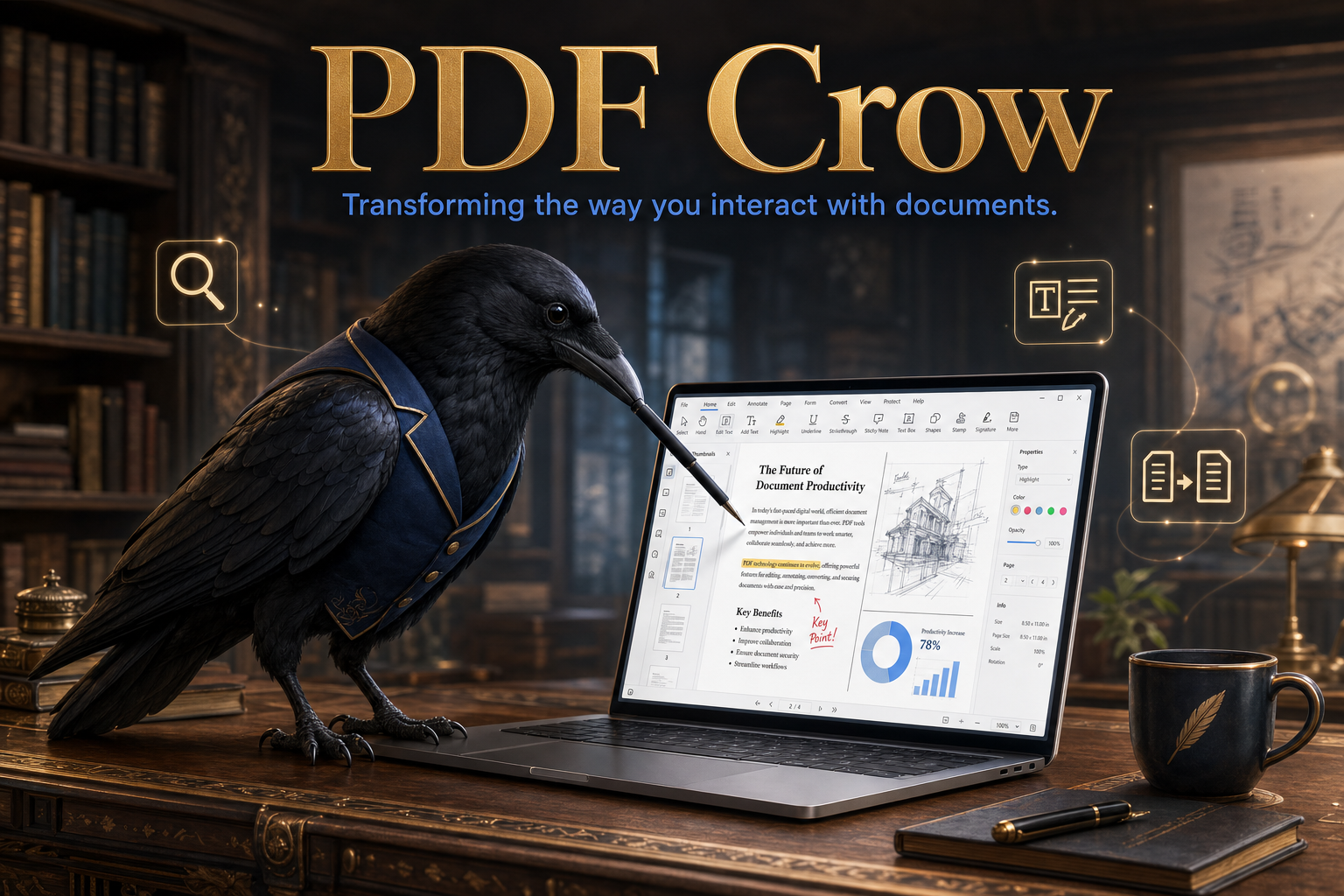
Clear tools, quick viewing, website templates, and practical export paths in one focused workspace.
Start a clean document whenever you need a polished PDF.
Upload a document and continue working without changing the original file.
Place clear text notes, labels, and updates directly on the page.
Add images, highlights, comments, shapes, and visual callouts.
Create a signature, place it precisely, and resize it on the document.
Export the finished document when your changes are ready.
Switch into the website builder to create routed pages, sections, navigation, and export-ready frontend files.
Choose from starter sites for stores, SaaS apps, portfolios, restaurants, bookings, dashboards, and more.
Uploaded PDFs are validated and handled with privacy in mind.
Review pages quickly in a responsive workspace built for focus.
Users can start from a blank canvas or choose complete website structures for common business, creator, and app ideas.
Edit, annotate, sign, save, and export PDF documents.
Create responsive pages and starter websites from templates.
Begin with launch-ready structures for common business ideas.
PDF Crow Studio keeps the interface straightforward so users can edit a document, build a starter website, customize content confidently, and export when the work is finished.
Open a PDF, create a blank document, or start a website from a template.
Edit PDF pages or build responsive website routes, sections, and brand-ready content.
Download finished PDFs or export a website starter project when it is ready.
Documents are handled securely, user files are not modified unless saved, validation is used for uploaded files, and website projects stay editable while users build and export.
Open the studio and start editing a document, designing a website, or choosing a starter template for your next launch.